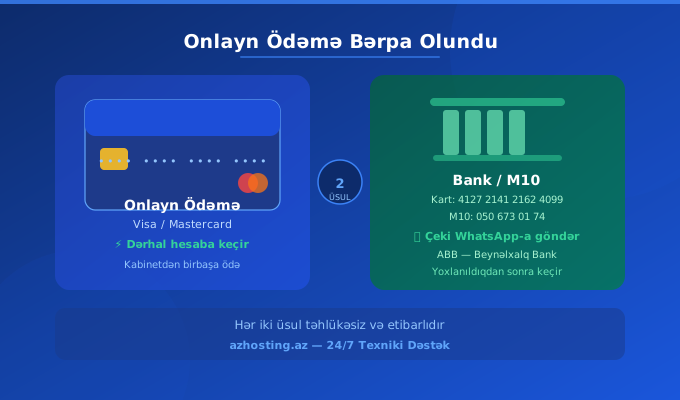
Our online payment system is fully operational. Choose your payment method from the Pay by Card or Card/M10 Transfer tab.
Dear customers, great news! Our online payment system is fully operational. You can now top up your balance in 2 ways.
💳 Method 1 — Pay by Card (Visa / Mastercard)
Open the "Add Balance" page in your personal cabinet. Select the "Pay by Card" tab, enter the amount and click the Pay with Epoint button. Your balance will be updated automatically once the payment is confirmed.
🏦 Method 2 — Card/M10 Transfer
Select the "Send to Card/M10" tab. Transfer to one of the following:
- Card number: 4127 2141 2162 4099 (ABB — International Bank)
- M10 number: 050 673 01 74
After the transfer, enter the amount and upload your receipt or send via WhatsApp. Your balance will be added after verification.
If you have any questions, use our 24/7 technical support.