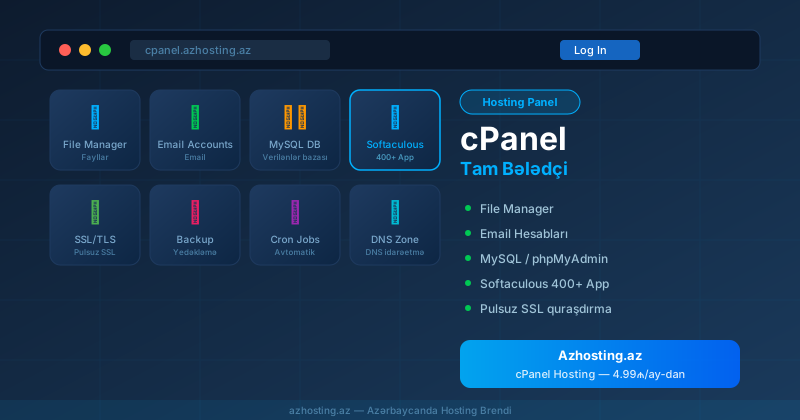
What is cPanel?
cPanel is the world's most popular web hosting control panel, created in 1996. It allows you to manage your website files, email accounts, databases and hosting settings through a convenient visual interface — no technical knowledge required.
How to Access cPanel
After purchasing hosting from Azhosting.az, your cPanel login credentials are sent to you by email. Common access URLs: yourdomain.az/cpanel or yourdomain.az:2083
Main cPanel Sections
File Manager
View, upload, delete and edit all files in your hosting account directly from your browser without FTP software.
Email Accounts
Create corporate email accounts with your domain (e.g. info@yourdomain.az), set up forwarders, and access webmail.
MySQL Databases
Create and manage databases for WordPress, Joomla, OpenCart and other CMS platforms. Includes phpMyAdmin access.
Softaculous — 1-Click Installer
Install 400+ applications including WordPress, Joomla, OpenCart, Drupal and PrestaShop in just 2-3 minutes.
SSL/TLS Certificates
Install free Let's Encrypt SSL certificates with one click from the SSL/TLS Status section.
cPanel Hosting at Azhosting.az
cPanel hosting packages start from 4.99₼/month, including full cPanel access, Softaculous, free SSL, NVMe SSD and 24/7 support.